

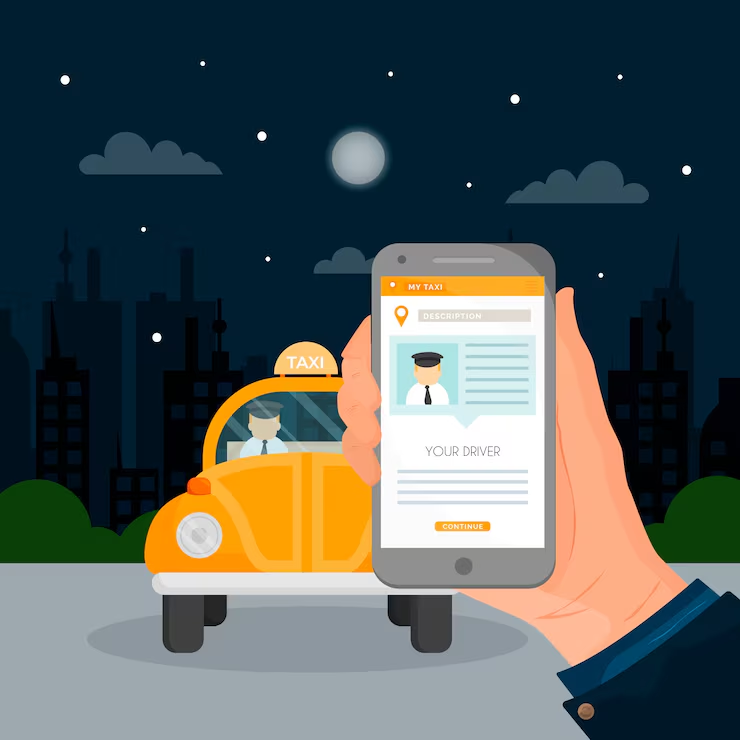
Traveling from Delhi to Chandigarh is a common journey for many people, whether for business, study, or visiting family. One of the most convenient ways to travel is by booking a taxi. In this article, we will guide you on how to book a taxi from Delhi Airport to Chandigarh in a Tata Tiago.
Taking a taxi has many advantages:
1. Comfort: You can relax in a comfortable car without worrying about public transport.
2. Convenience: You can travel directly from the airport to your destination without any hassle.
3. Flexibility: You can choose your own departure time and stop along the way if needed.
Here are the steps you need to follow to book a Tata Tiago taxi from Delhi Airport to Chandigarh:
Before booking, it is important to plan your trip:
- Arrival Time: Know your flight arrival time so you can book the taxi accordingly.
- Destination Address: Have the complete address ready for where you want to go in Chandigarh.
- Travel Date: Make sure you have the correct date for your travel.
There are many taxi services available for booking. Some popular ones include:
- Ola: A well-known app for booking taxis across India.
- Uber: Another popular option that is easy to use.
- Local Taxi Services: There are many local taxi services that you can find online.
If you choose to book through an app like Ola or Uber:
1. Download the App: Go to the Google Play Store or Apple App Store and download the app.
2. Create an Account: Sign up with your phone number and email address.
If you prefer to book through a website, visit the taxi service&039;s official website.
Once you have the app or website open:
1. Pick-Up Location: Select "Delhi Airport" as your pick-up location.
2. Drop-Off Location: Enter the address in Chandigarh where you want to go.
3. Select Car Type: Choose "Tata Tiago" from the available options. Many taxi services provide different car types, so make sure to select the one you want.
Before confirming your booking, you will see an estimate of the fare. This is important to know how much you will be paying. The fare may vary based on the time of day, traffic conditions, and demand.
After entering all the details:
- Confirm Booking: Click on the "Book Now" or "Confirm" button.
- Payment Options: You can usually pay by cash or online through the app. Choose the option that is most convenient for you.
Once your taxi is booked, you will receive the driver’s details, including:
- Driver’s Name: Know who will be picking you up.
- Car Number: Make sure to note the car&039;s license plate number.
- Contact Number: You will also get the driver’s phone number in case you need to contact them.
When you arrive at Delhi Airport:
1. Collect Your Luggage: First, collect your bags from the baggage claim area.
2. Head to the Pick-Up Point: Follow the signs to the taxi pick-up area. This is usually located outside the terminal.
3. Meet Your Driver: Look for your driver’s car matching the details you received. If you have trouble finding them, call the driver using the contact number provided.
- Be On Time: Make sure you are on time to avoid any delays.
- Use GPS: Many drivers use GPS, but you can also track your route on your phone to ensure you are going the right way.
- Stay Connected: Keep your phone charged so you can contact the driver or your family if needed.
Booking a taxi from Delhi Airport to Chandigarh in a Tata Tiago is a simple process. By following these steps, you can enjoy a comfortable and hassle-free journey. Whether you are traveling for work or leisure, a taxi is a great option for getting to your destination quickly and conveniently. Safe travels!